Save any webpage
with one shortcut.
The only bookmark app you'll ever need. Save from any browser, sorted for you.
Every bookmark you own. One click.
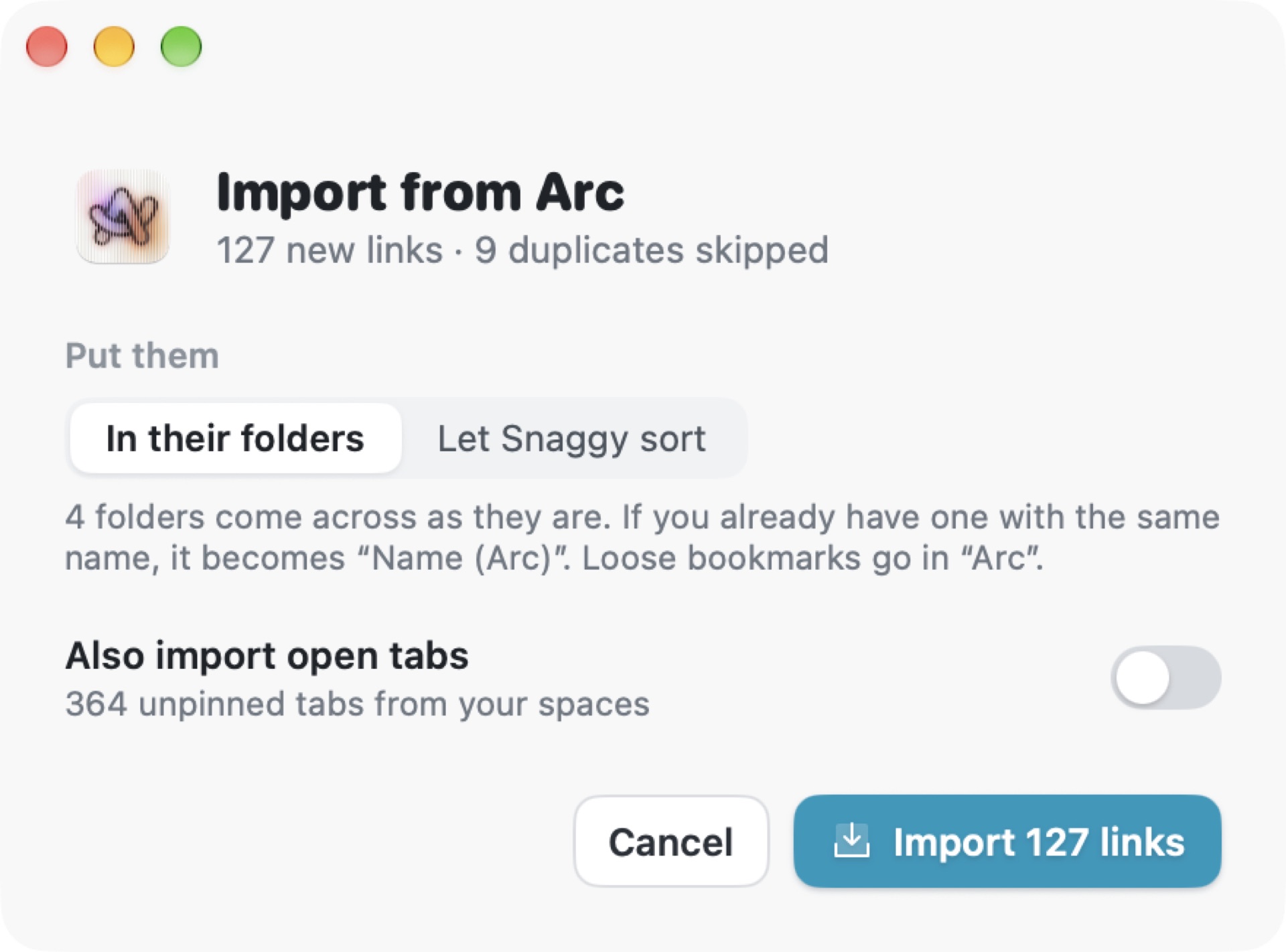
Leaving Arc? Bring it all. Snaggy reads your browsers' bookmarks and pinned tabs and keeps every folder as it was.




Plus Edge and any HTML bookmarks file.
Your AI agent can fetch any link you saved.
Mid task, ask for "that agents article" and your agent pulls it straight from Snaggy. It can search, list folders and save new links too. Runs on your Mac.
Also Claude Code and Antigravity. One setting, copy the snippet, done.

Bookmarks were
designed in 1994.
Netscape gave us the bookmark over thirty years ago and it still works the same way. Every link you D goes into a pile you never open again.
 SnaggyOne shortcut
| Snaggy | Browser bookmarks | |
|---|---|---|
| Saving a page | K. It's saved before you let go. | D, rename it, dig for a folder, click Done. |
| Organising | On device AI picks the folder for you. | You do it. Or it lands in "Other Bookmarks" forever. |
| Every browser | Safari, Chrome, Arc, Dia, Brave, Edge and Orion in one library. | Locked inside each browser. Switch and they're gone. |
| Your old bookmarks | Import them all in one click, folders intact. | Export, import, and hope the folders survive. |
| Finding it again | Search titles, sites and notes from the menu bar. | Scroll a folder tree, or dig through history. |
| Read or not | Unread links in bold. Napping brings back forgotten ones. | No idea which ones you never opened. |
| Your AI agents | Claude, Codex, Gemini, Cursor and Antigravity can search them. | Invisible to every agent you use. |
| Clutter | Archive cleans itself after 30, 60 or 90 days. | Piles up for years. Nobody prunes bookmarks. |
| Design | Made in 2026 for macOS Tahoe. | A list of folders, the same idea since 1994.30+ years old |
Compared with the built in bookmarks in Safari, Chrome, Arc, Dia, Brave and Edge, November 2026. Race timing is an illustration.
Everything you snagged,
one glance away.
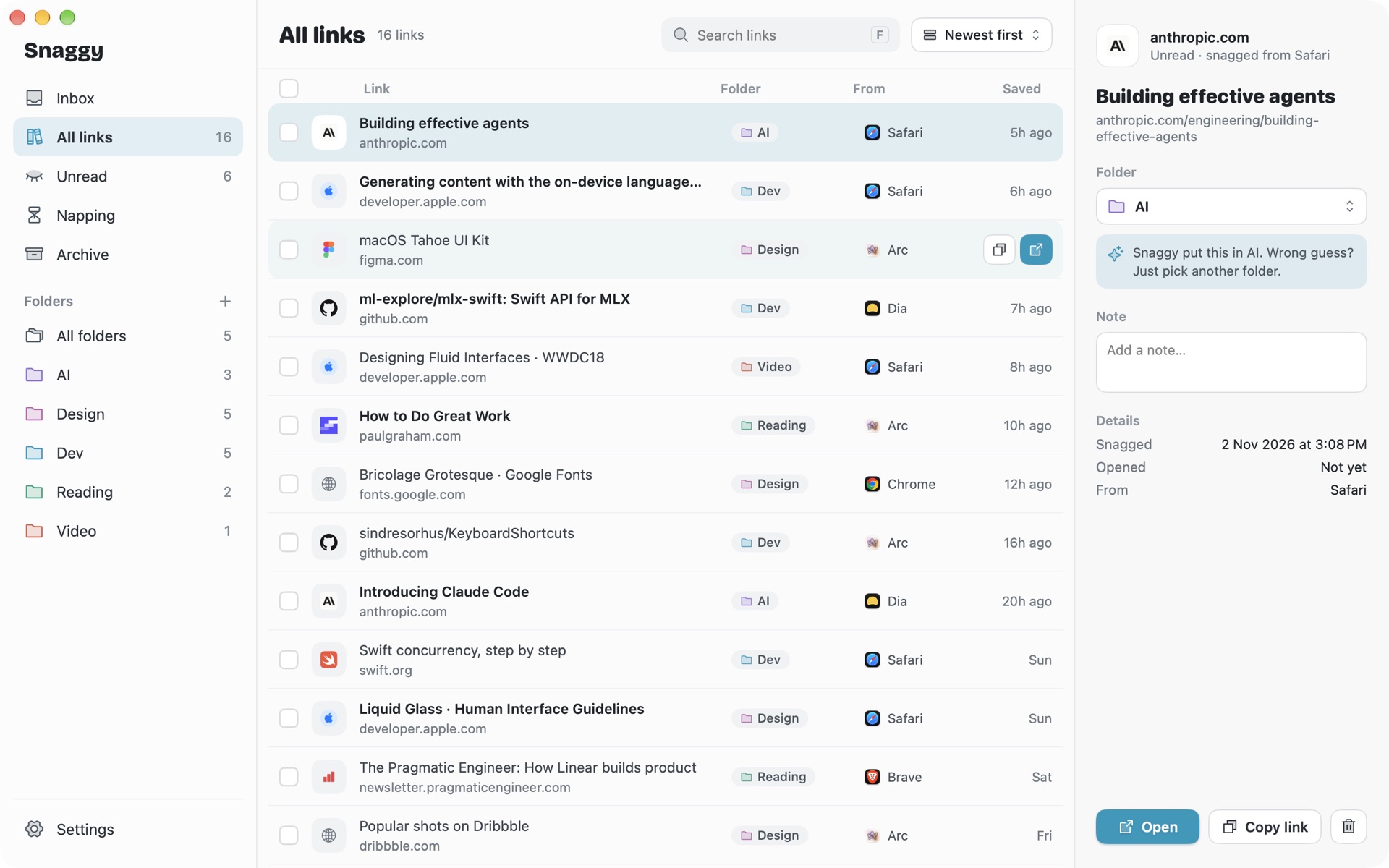
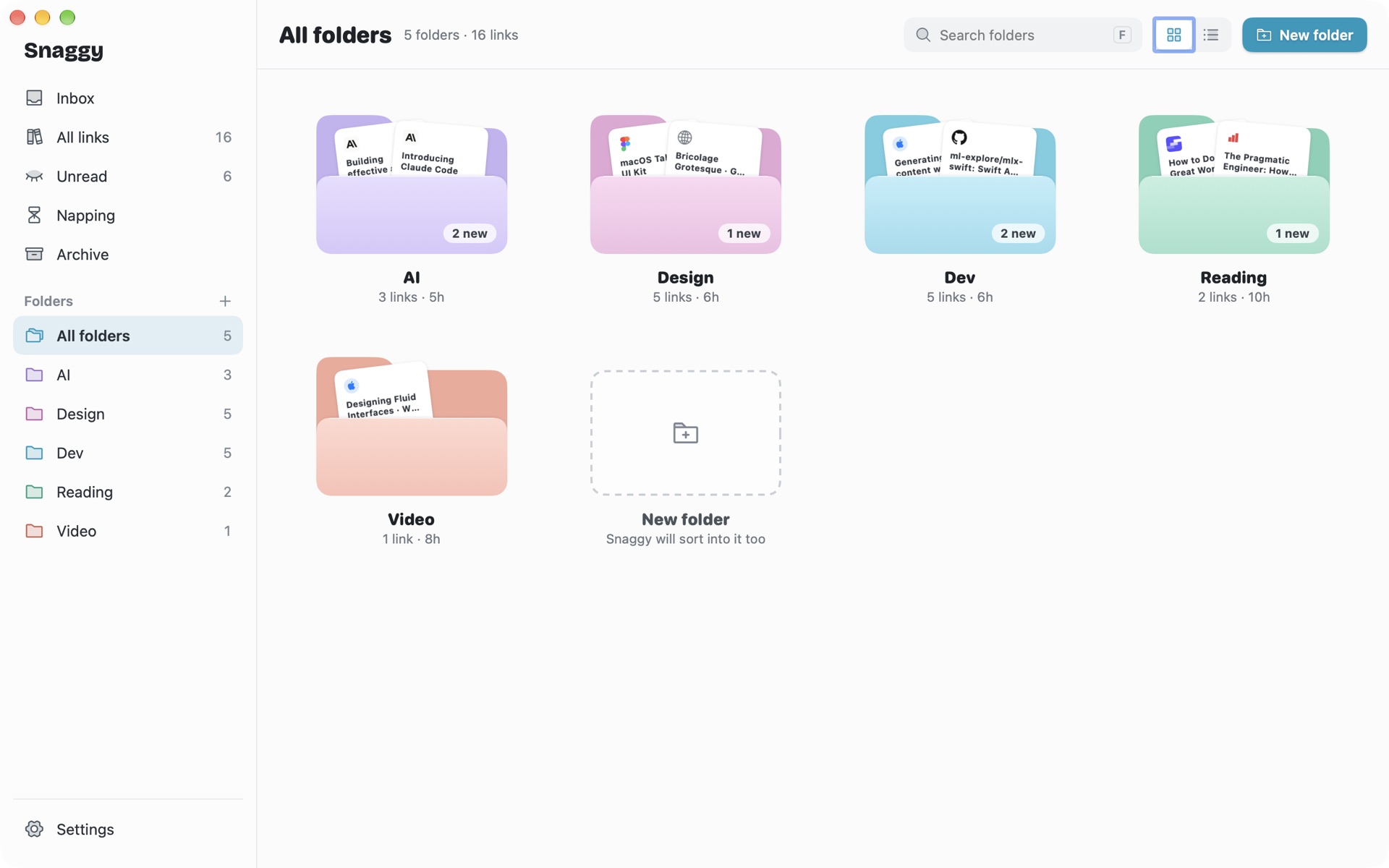
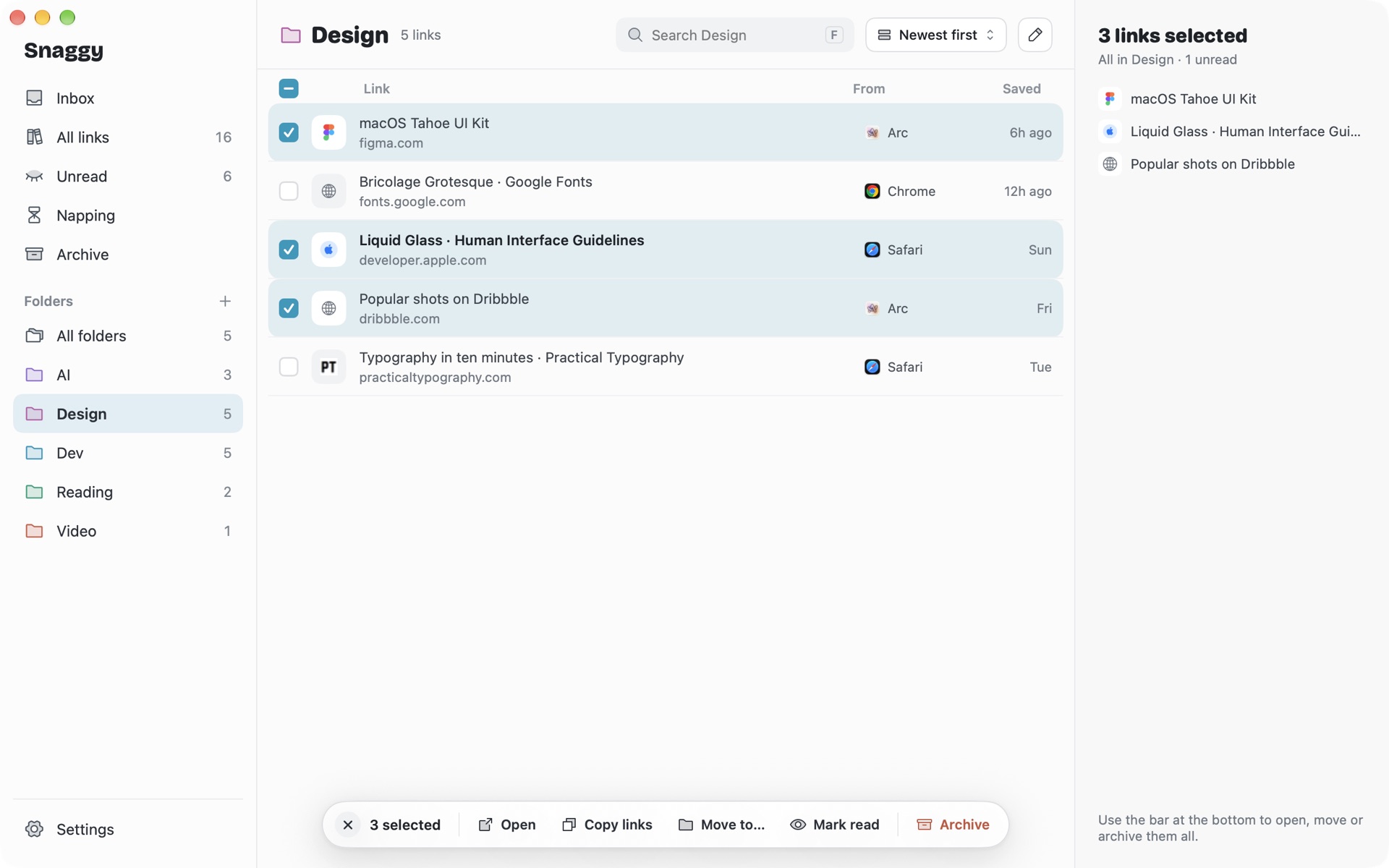
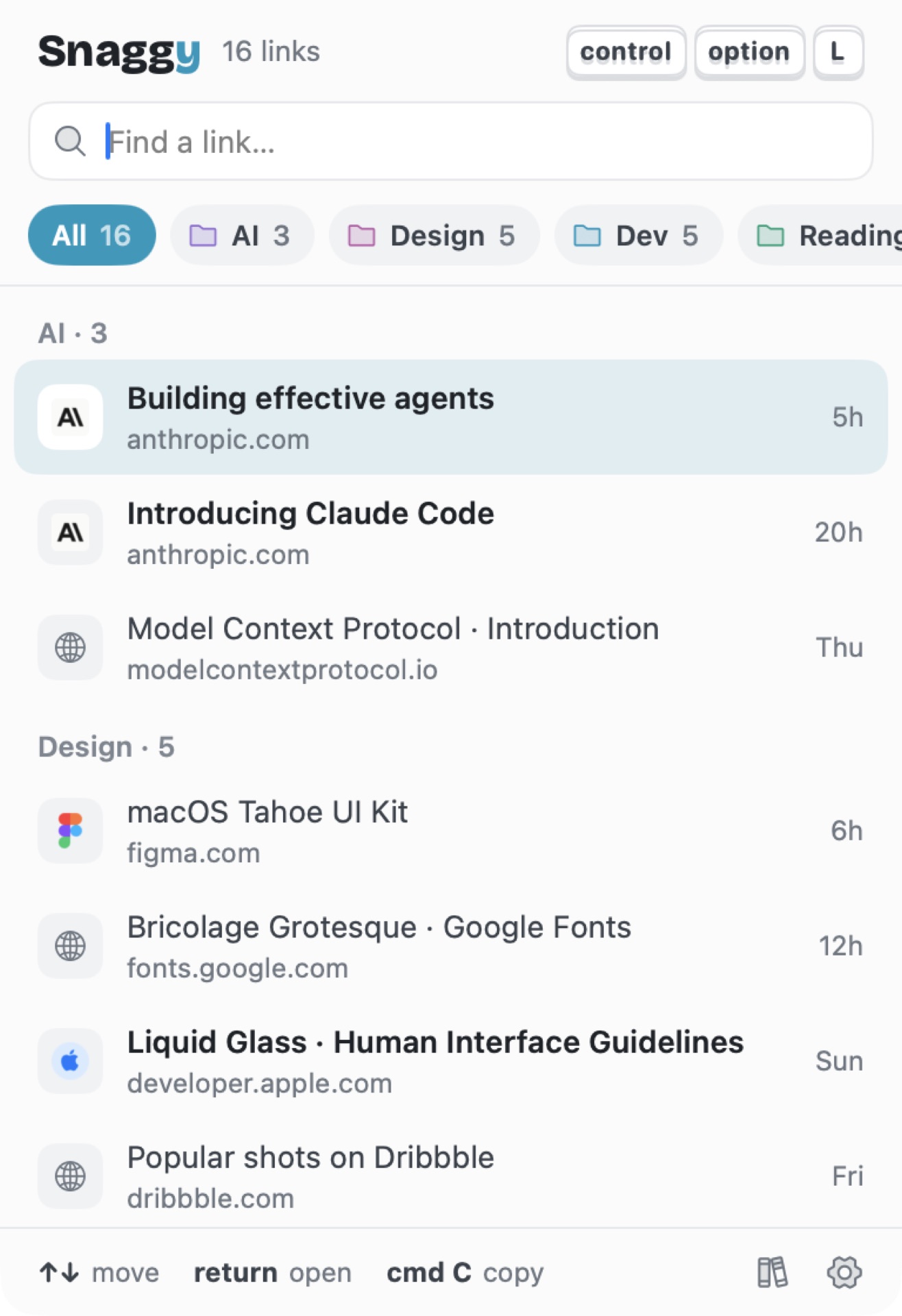
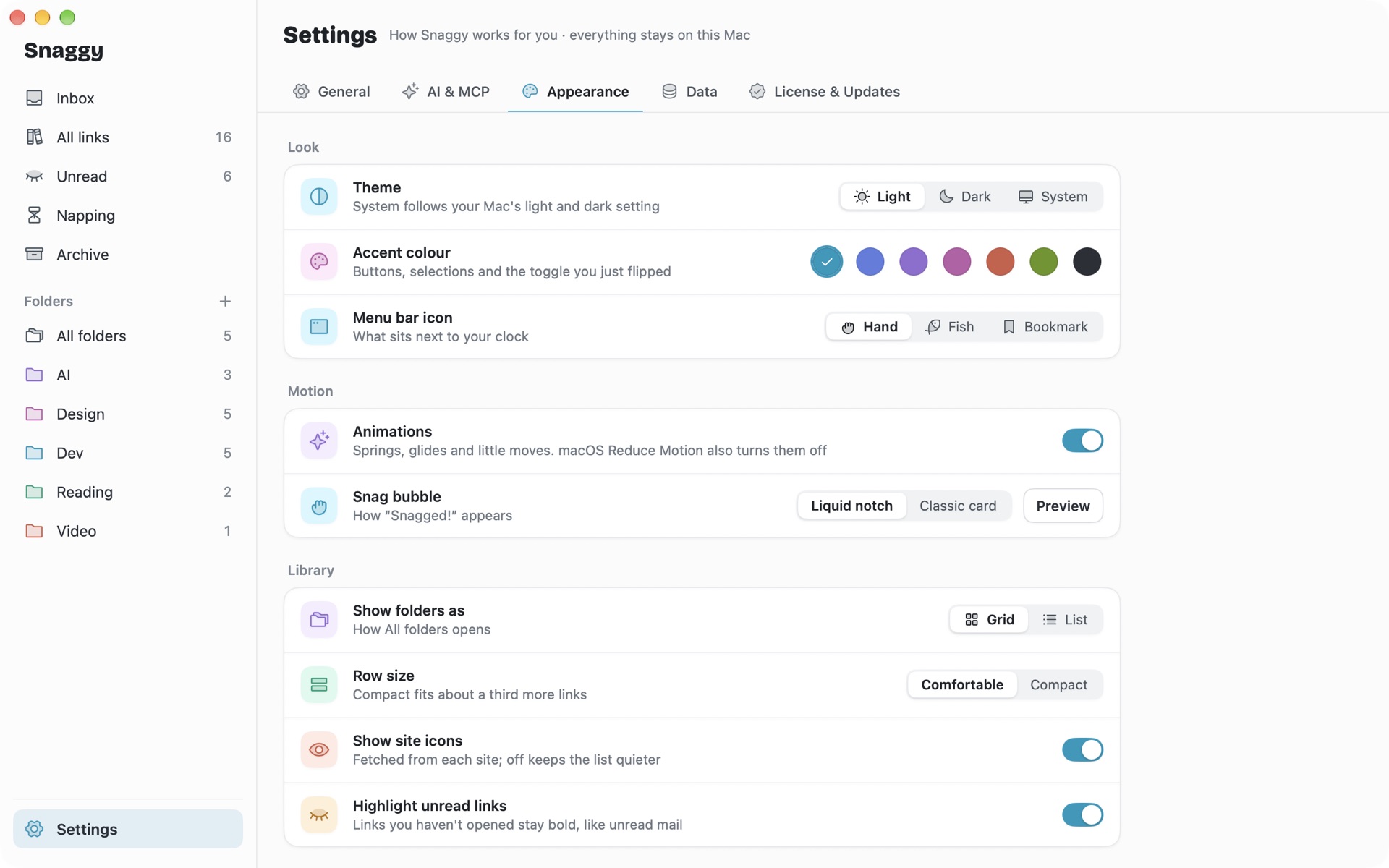
A calm, native Mac window. Search it, sort it, and fix a wrong guess with one click.
Pay once.
Keep it for life.
No subscription and no account. Every feature, free 1.x updates.
Snaggy
Personal licence for 1 Mac
- Pay once and keep it. No subscription.
- Licence key delivered by email
- Activate in one click
- Move to a new Mac any time with "Deactivate this Mac"
- Free 1.x updates
- Every feature, including bookmark import and the MCP server
macOS 26 Tahoe on Apple silicon. Prices in USD, taxes may apply at checkout.
Which Macs does it run on?
Macs with Apple silicon on macOS 26 Tahoe or later. AI sorting uses Apple Intelligence, so turn it on in System Settings. Without it, Snaggy sorts by website.
Does anything leave my Mac?
No. Links are stored in a file on your Mac and the AI runs on device. There is no account and no server.
Do I need a browser extension?
No. Snaggy asks the browser for the front tab when you press the shortcut. macOS asks you to allow it once per browser.
Can I import my old bookmarks?
Yes. Arc, Chrome, Safari, Brave, Edge, Dia, Orion and any HTML bookmarks file. Folders come across as they are, and if you already have one with the same name it becomes "Name (Arc)". Safari needs Full Disk Access once.
Can my AI agents really see my links?
Only if you turn on the MCP server in Settings. It runs locally with a private access key you paste into Claude, Codex, Gemini, Cursor or Antigravity.
How do I move my licence to a new Mac?
Choose "Deactivate this Mac" in Settings › License & Updates on the old Mac, then activate on the new one.
Can I get a refund?
Yes. Email us within 14 days of buying and you get a full refund, no questions asked. See the refund policy.
Close the tab.
Keep the idea.
From $9 once. Yours for life.
Coming soon for Mac